
Road Editor
Overview
Truevision Designer provides a number of different tools for displaying and modifying different aspects of road and environment.
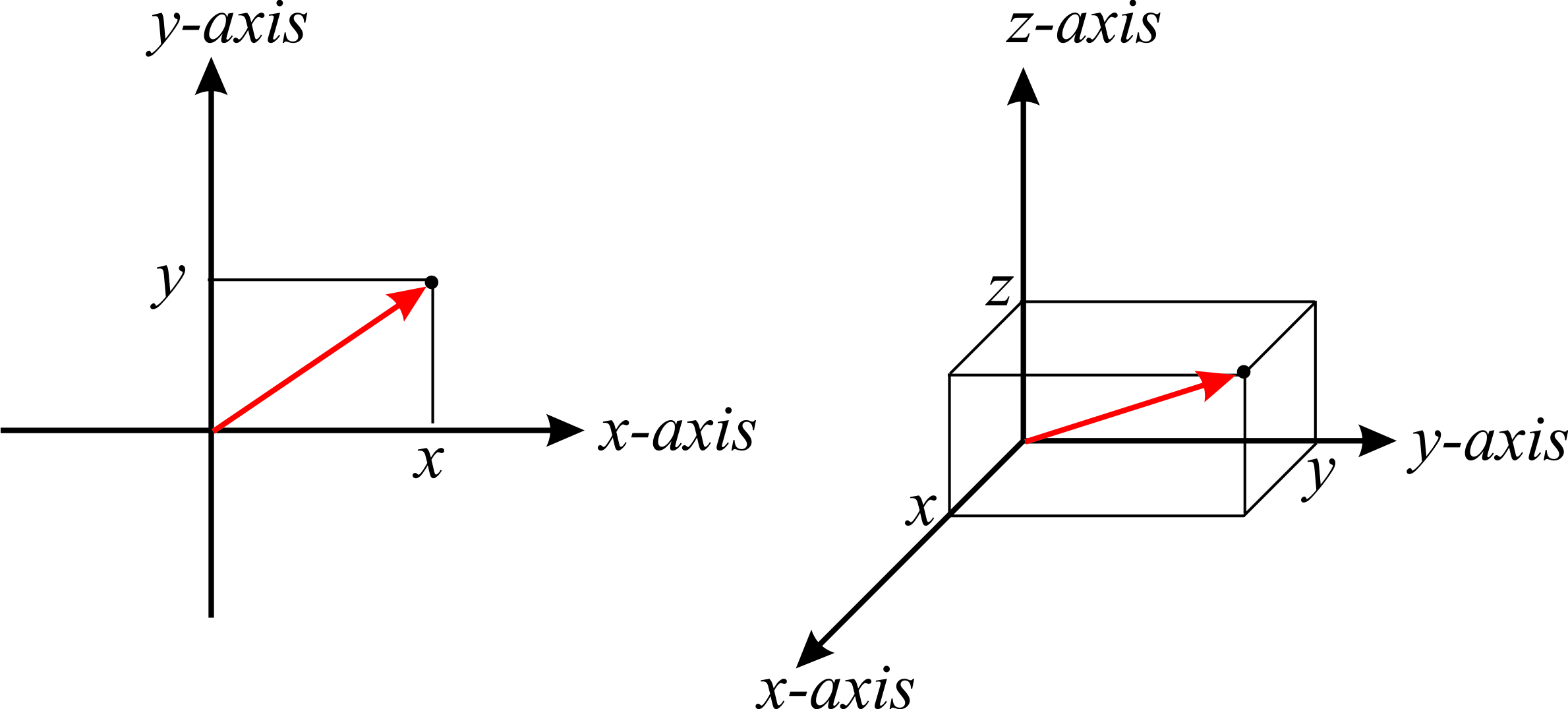
Coordinate System
- x+ forward
- y+ left
- z+ up
Mouse Interaction
left-clickis used to select objects for inspectingshift + left-clickis used to add objects or controls points or some other kind of actionright-clickis used for either context-menu
2D Navigation
right-clickand drag to move the scene aroundmiddle-clickand move to zoom-in and outmouse-scrollfor zooming-in and out
3D Navigation
left-clickand drag to pan the cameraright-clickand drag to move the scene aroundmiddle-clickand move to zoom-in and outmouse-scrollfor zooming-in and out
Toolbar
Road Geometry Tool

Lane Width Tool
Use shift + left-click to select a lane you want to duplicate. This tool will basically add a new lane next to the selected lane.

Lane Add Tool

Lane Marking Tool

Lane Tool

Road Sign Tool
